Profile photo and bio
Check the public avatar, displayed name, username and available biography before opening media.
View an Instagram public profile without signing in
Enter a username or profile link to check the public profile details, active stories and recent media currently available through the viewer. No Instagram password is required.
View a public profile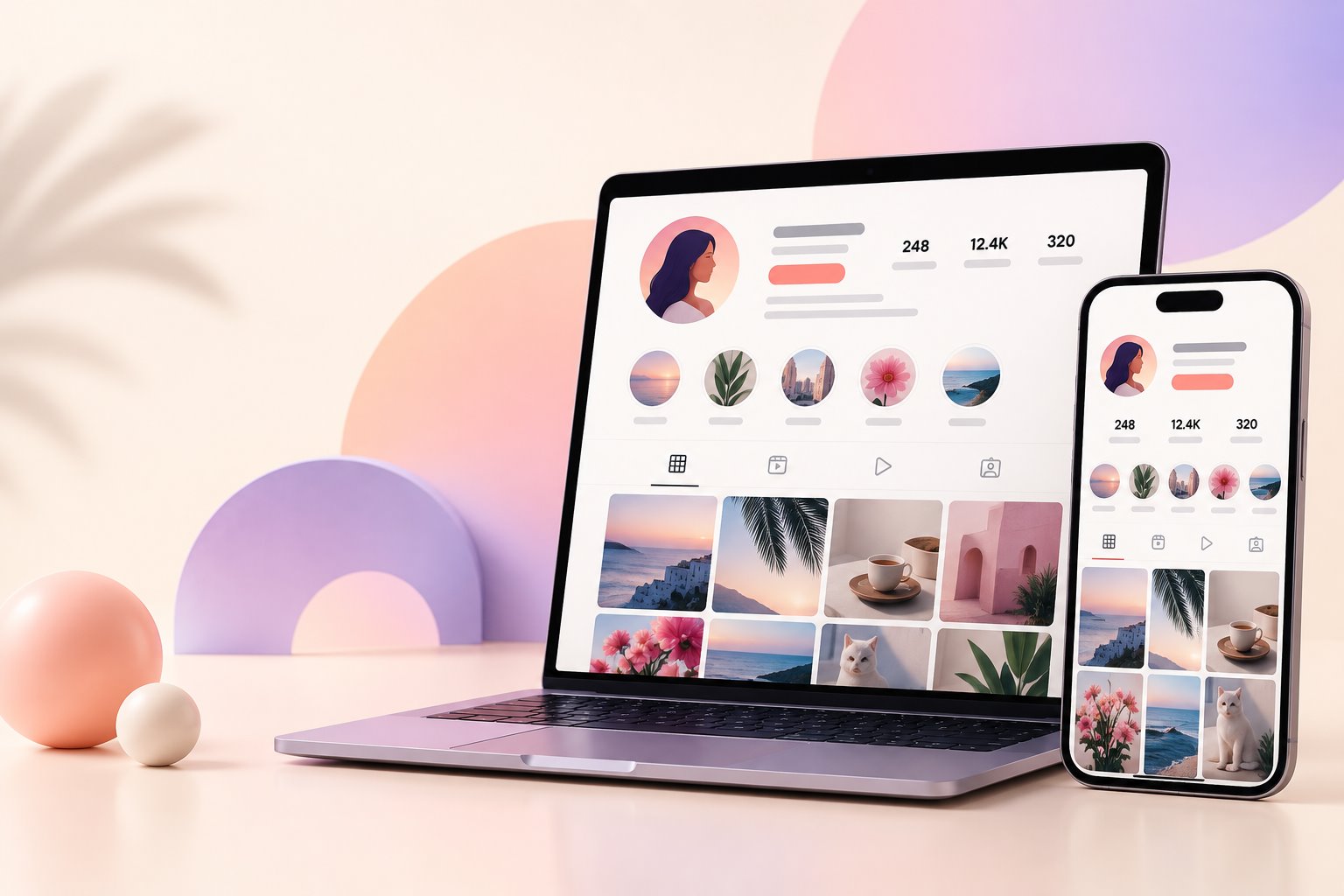
Type the username without spaces, or paste the full profile link. Results depend on what the public source can currently return.
The result is a browser-friendly overview of information that is available for a public account. Exact fields and media vary from profile to profile.
Check the public avatar, displayed name, username and available biography before opening media.
See public post, follower and following counts when those values are returned by the source.
Open story photos or videos that are still active and available for that public account.
Browse returned image and video posts in a clean grid without moving between multiple pages.
Preview an available photo or video in the browser before deciding whether you need the file.
Use the download option only when the source supplies a compatible public media file.
You can start with either a username or a copied profile URL.
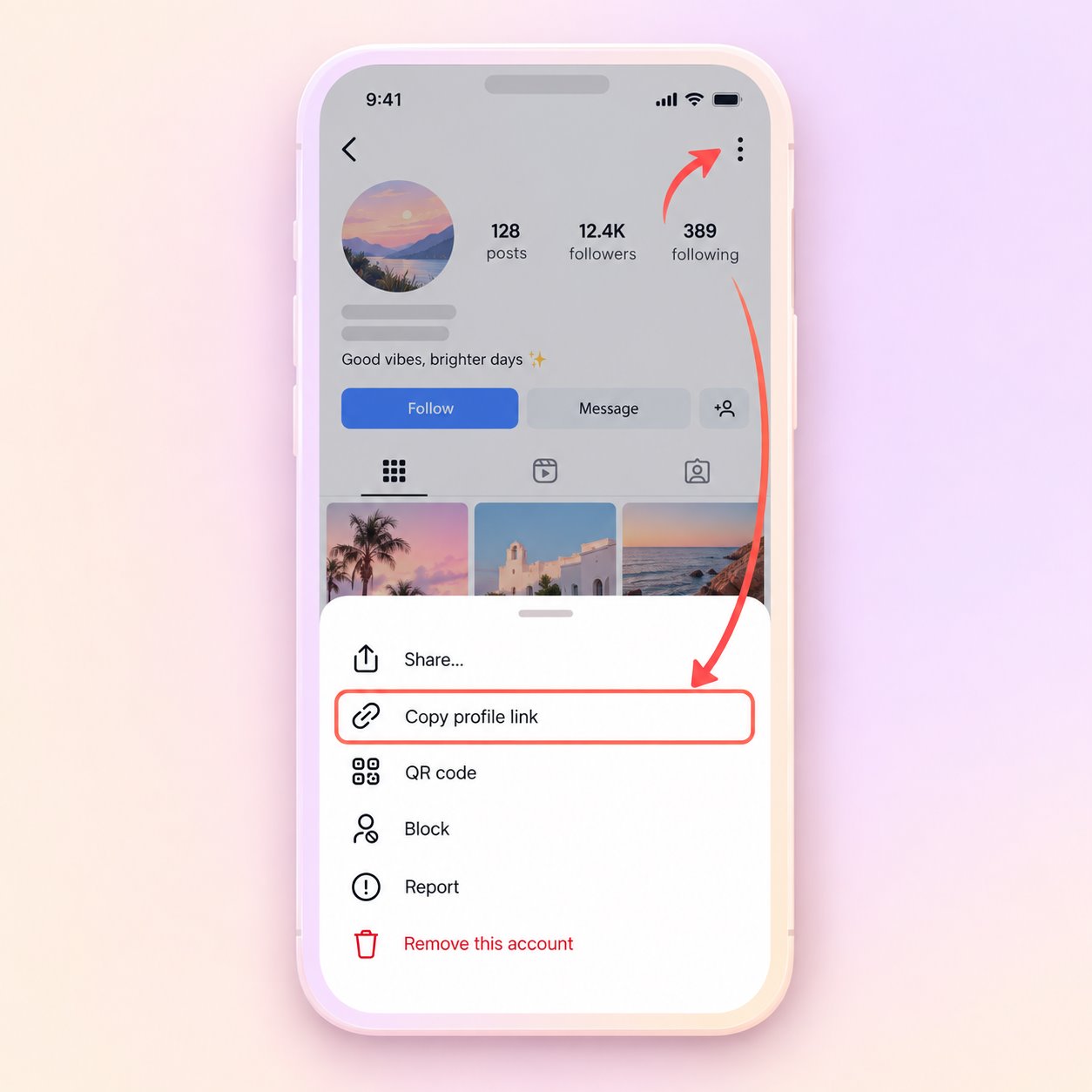
Open the public profile, use its share menu and copy the profile URL. You can also use the username directly.
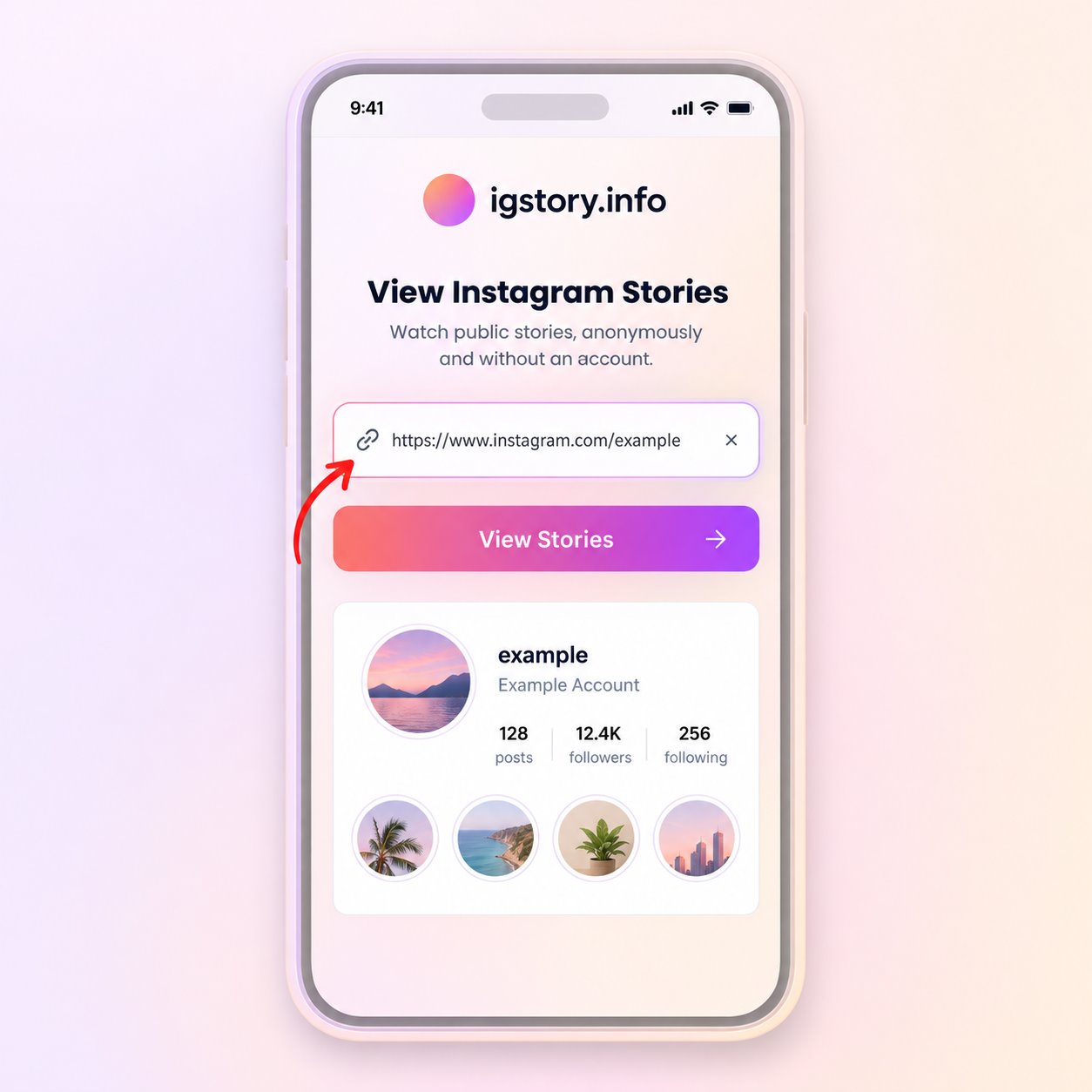
Return to the search box above, paste the URL or type the username, then start the public profile search.
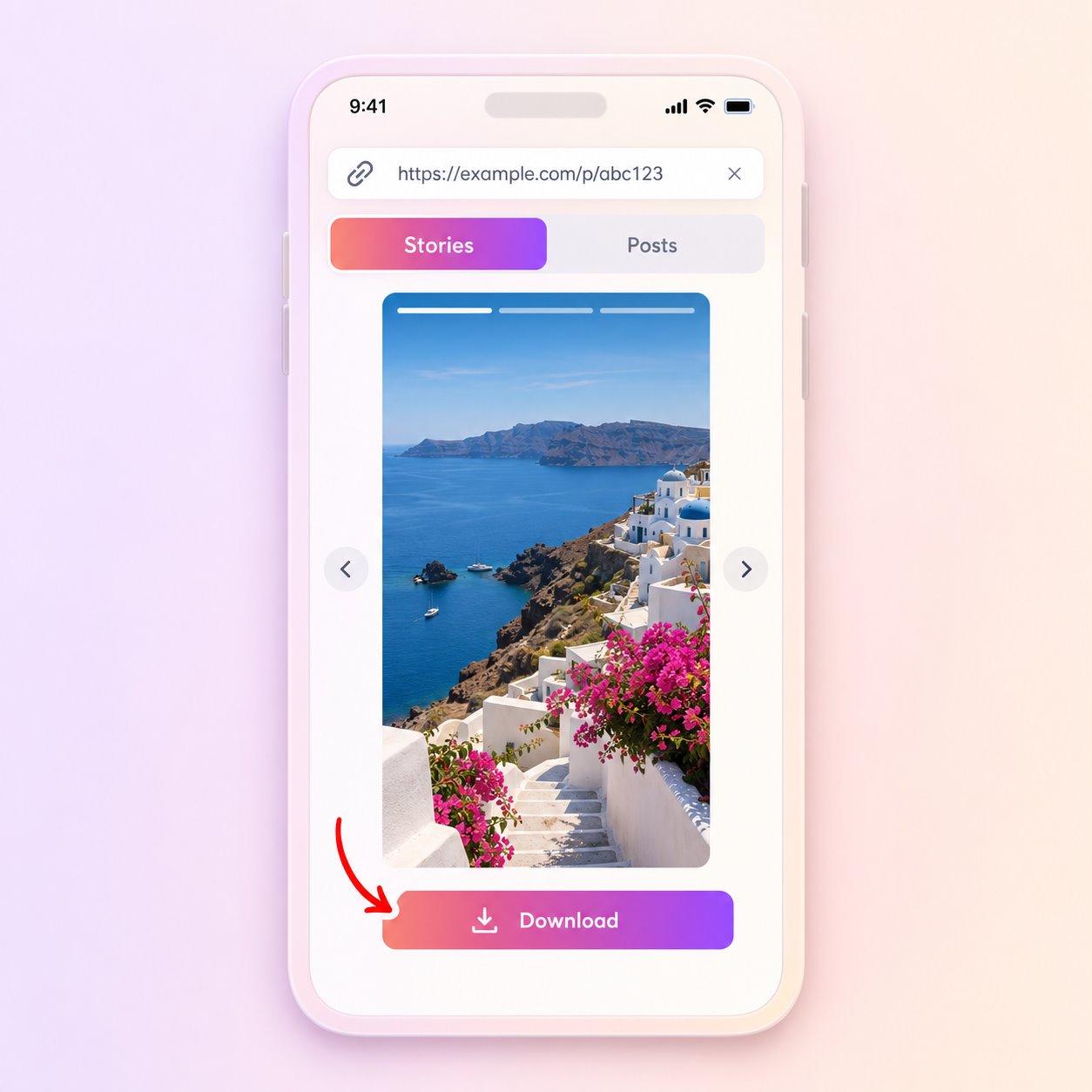
Review profile details, switch between available stories and posts, and open the media you want to preview.
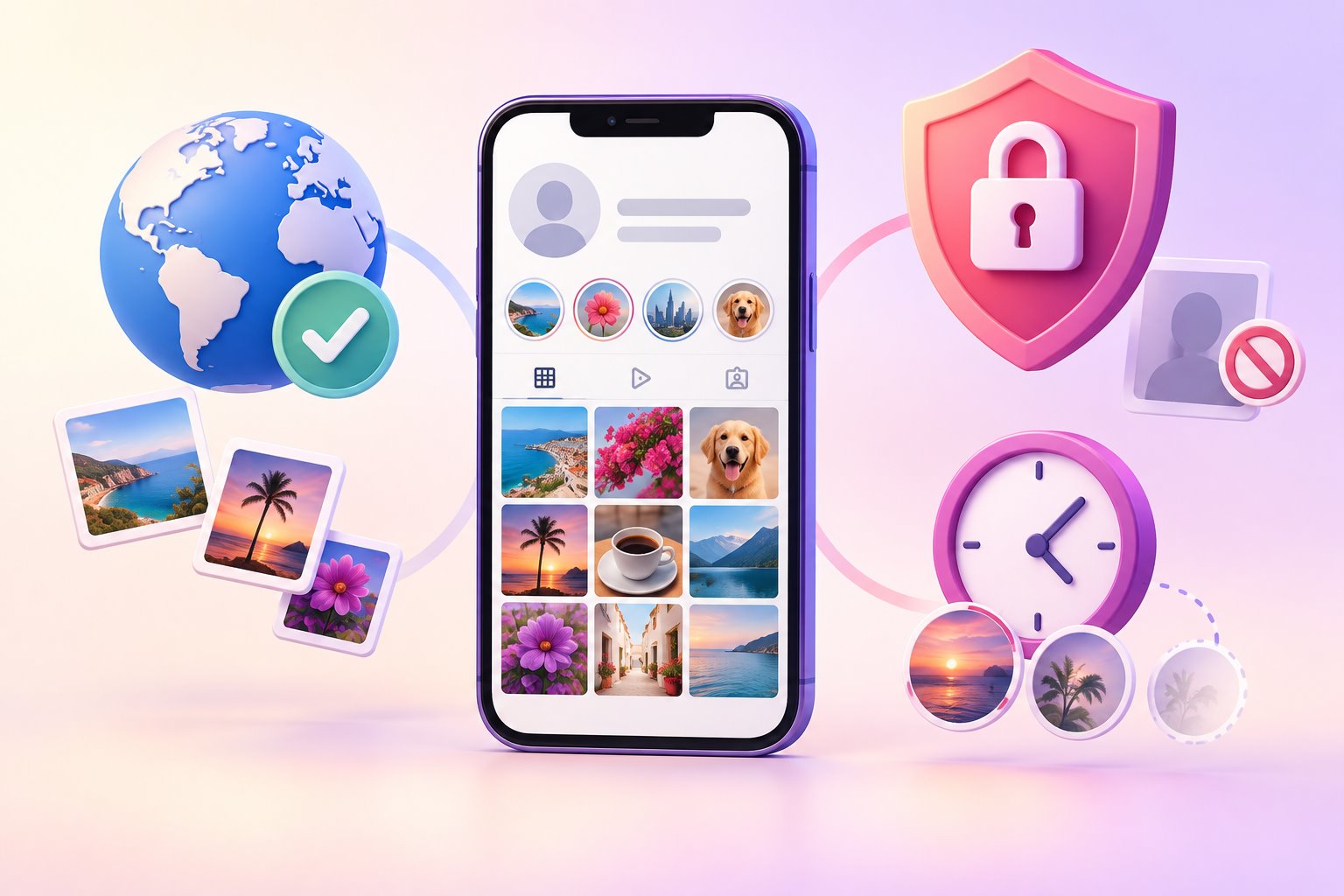
An Instagram profile viewer does not change an account’s privacy setting. If an account is private, its restricted posts and stories remain unavailable. The same applies to Close Friends stories, age-limited material and content removed by the owner.
A public account can still return an incomplete result. Stories are temporary, individual posts can be deleted or archived, and a creator can switch the entire account to private. The upstream source may also be temporarily delayed.
The useful part of a profile viewer is convenience: it brings available public account information into one browser page. Understanding its limits helps you interpret the results correctly.
Usernames can be similar, and an account owner may change a username. Compare the returned profile image, displayed name, biography and public counts before assuming that the result belongs to the person or brand you intended to find.
If a pasted URL does not work, remove unnecessary URL parameters or search with only the username. Never enter an Instagram password into a viewer that claims it needs credentials to reveal a public profile.
The viewer displays what its source can retrieve at the time of the request. It is not a permanent archive of every post or Story an account has shared. A Story can expire, a post can be archived, and a video file can be unavailable even when the profile itself loads normally.
Try another known public profile when a search is empty. If the second profile works, the first result may be private, renamed or temporarily unavailable. If several profiles fail, wait before trying again.
Public visibility does not remove copyright or privacy rights. Use previews and downloaded files responsibly. Do not republish a creator’s photo or video, remove attribution, or use somebody’s image commercially without the necessary permission.
The tool is intended for convenient access to available public information. It does not provide private analytics, a list of profile visitors or a method for bypassing account restrictions.
This distinction is important when you evaluate a result.
An empty search does not always have the same cause. Work through these checks before repeating the request.
Clear answers about public profiles, missing media, downloads and privacy limits.
Yes. Enter the username of a public profile. You do not need to sign in to Instagram or provide an Instagram password.
No. Private, restricted and age-limited content is not made public by this viewer. Only information returned for public accounts can appear.
Depending on availability, a result may include the public profile image, bio, account counts, active stories and recent public photo or video posts.
The username may be incorrect, the account may have changed its username or privacy setting, or the upstream source may be temporarily unavailable. Try another public profile or return later.
A download action appears only when the source supplies a compatible public media file. Availability and file quality vary by item.
No. The viewer does not provide a list of profile visitors, and it cannot reveal private analytics belonging to an account owner.
No. igstory.info is an independent website and is not affiliated with Instagram or Meta.
Enter a username or profile link and check what is currently available.
Start a profile search